Latest Version
12.293
March 20, 2026
Entertainment
Android
10 MB
7,486
Free
Com.casttv
Report a Problem
More About Cast To TV
📺 Cast to TV – Chromecast, Roku TV APK Description
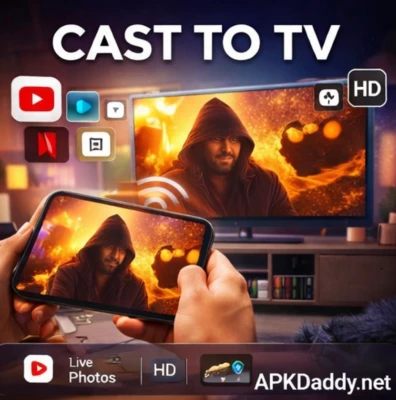
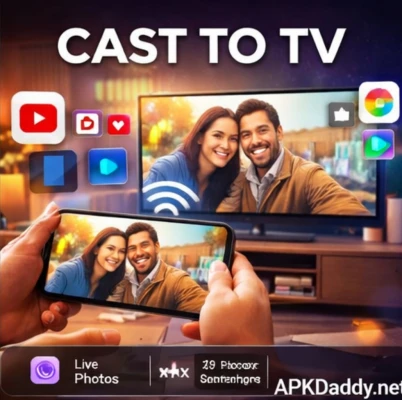
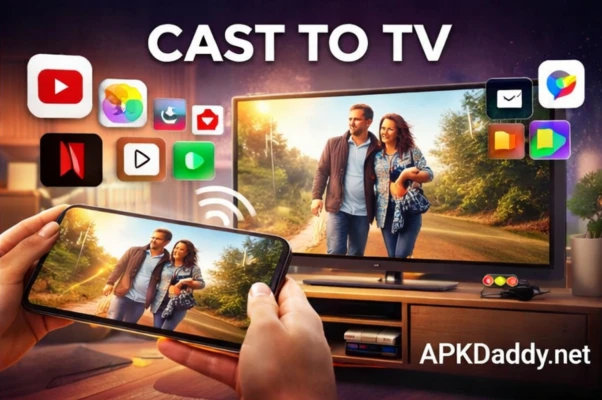
Cast to TV – Chromecast, Roku TV APK is a powerful screen mirroring and media casting application that allows users to stream videos, photos, music, and other media files directly from their smartphone to their smart TV. It supports a wide range of devices including Chromecast, Roku, Fire TV, Xbox, and other DLNA-enabled devices, making it a complete solution for wireless streaming.
With this app, you can easily connect your phone to your TV and enjoy content on a bigger screen without the need for cables. Whether you want to watch movies, stream online videos, share photos, or play music, Cast to TV makes the process smooth and hassle-free.
🎬 Key Features
✔️ Screen Mirroring – Mirror your mobile screen to TV in real-time
✔️ Cast Videos & Movies – Stream local videos or online content directly to your TV
✔️ Photo & Music Sharing – View images and play audio on a bigger screen
✔️ Supports Multiple Devices – Works with Chromecast, Roku, Fire TV, Xbox, and Smart TVs
✔️ DLNA Support – Connect with DLNA-enabled devices easily
✔️ Easy Setup – Simple and quick connection process
✔️ HD Streaming – Enjoy high-quality video streaming without lag
✔️ Remote Control Feature – Control playback directly from your phone
📱 How It Works
Using Cast to TV is very simple. Just make sure your smartphone and TV are connected to the same Wi-Fi network. Open the app, select your TV device, and choose the media you want to cast. Within seconds, your content will start playing on the TV screen.
🚀 Why Choose Cast to TV APK?
Cast to TV is perfect for users who want a fast and reliable way to stream content on a bigger screen. It eliminates the need for HDMI cables and provides a seamless wireless experience. The app is lightweight, easy to use, and compatible with most smart devices available today.
📌 Final Words
If you are looking for a simple yet powerful casting app, then Cast to TV – Chromecast, Roku TV APK is a great choice. It offers smooth performance, wide compatibility, and all the essential features needed for an enjoyable big-screen experience.