



Latest Version
1.0
April 23, 2026
Android
5 MB
1,536
Free
com.diskdigger.pro.recovery
Report a Problem
More About Disk Digger
Description
DiskDigger Photo/File Recovery is a powerful data recovery tool designed to help you restore deleted photos, videos, and other files from your device. Whether you accidentally deleted important images or lost files due to a system issue, this app provides an easy and effective way to recover them.
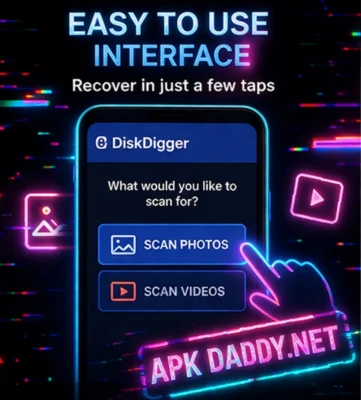
The app can scan both internal storage and memory cards to find lost files. Even without root access, DiskDigger can recover recently deleted photos, while rooted devices can perform deeper scans for more advanced recovery. Its simple interface makes it easy for users to preview and restore files with just a few taps.
DiskDigger also offers options to upload recovered files directly to cloud storage or save them locally on your device. It is widely used by users who want a reliable solution for recovering important data without complicated steps.
Key Features
🗂️ Recover Deleted Photos & Files – Restore lost images, videos, and more
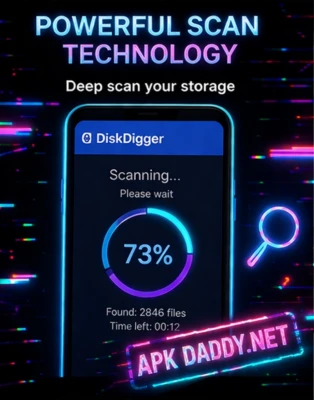
🔍 Deep Scan Option – Advanced recovery for rooted devices
📱 Works Without Root – Basic recovery available for all users
🖼️ Preview Before Recovery – Check files before restoring
💾 Save or Upload Files – Store recovered files locally or to cloud
⚡ Fast Scanning – Quick and efficient recovery process
🧹 Secure Delete Option – Permanently remove unwanted files
How to Install
Download the file from a trusted source
Enable Unknown Sources in your device settings
Open your file manager and locate the downloaded file
Tap on it to start installation
Launch the app and grant necessary permissions
FAQs
Q1: Can I recover deleted photos without root?
Yes, you can recover recently deleted photos without root, but deep recovery requires root access.
Q2: Is DiskDigger safe to use?
Yes, it is safe when downloaded from a trusted source.
Q3: Can it recover videos and documents?
Yes, especially on rooted devices with deep scan enabled.
Pros / Cons
✅ Pros
Easy to use interface
Supports photo and file recovery
Works without root (basic scan)
Preview before restoring files
❌ Cons
Full recovery requires root access
Deep scan may take time
Not all files can be recovered
Conclusion
DiskDigger Photo/File Recovery is a reliable solution for recovering lost or deleted files on Android devices. With its simple interface and effective scanning options, it helps users restore important data quickly and easily. Whether you need basic recovery or advanced deep scanning, this app is a practical choice for everyday use.