




Latest Version
1.7
April 26, 2026
Security
Android
11 MB
17
Free
com.technoapps.dnschanger
Report a Problem
More About Change DNS Server
Description
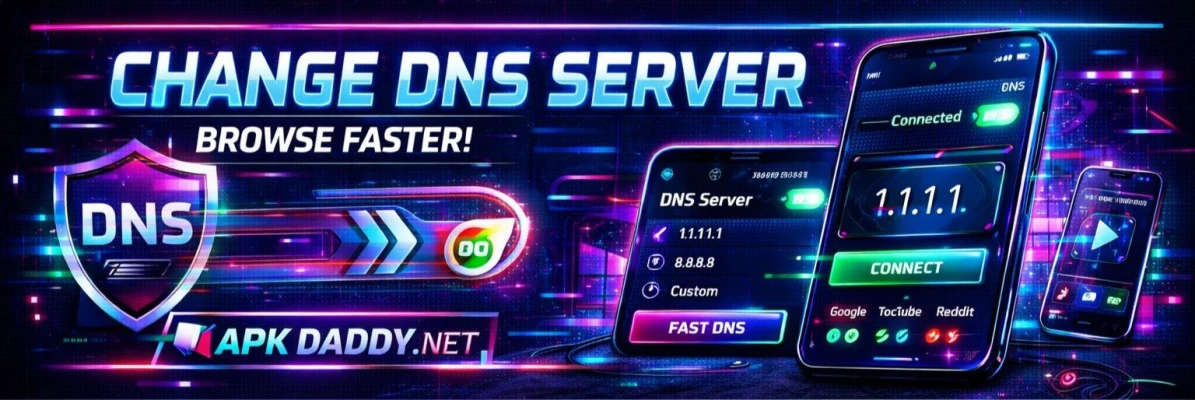
Change DNS Server – Browse Fast APK is a powerful Android tool that allows users to change their device’s DNS (Domain Name System) settings easily without requiring root access. This app is designed to improve internet browsing speed, reduce latency in online gaming, and help access restricted websites.
Unlike traditional VPN apps, this tool focuses only on DNS routing. It uses a secure local VPN tunnel to change DNS servers while keeping your actual IP address unchanged, ensuring better speed and minimal impact on privacy.
The app supports both Wi-Fi and mobile data connections and allows users to choose from popular DNS providers such as Google DNS, Cloudflare, OpenDNS, and Quad9. It also includes a DNS speed test feature that helps users find the fastest server based on their location.
With its simple interface, users can switch DNS servers with just one tap. It is especially useful for gamers who want lower ping, as well as users who want to bypass DNS-level restrictions and improve browsing performance.
Key Features
🌐 Change DNS without root access
⚡ Faster browsing and reduced loading time
🎮 Low ping support for online gaming
🔍 Built-in DNS speed test tool
🔓 Access blocked or restricted websites
🛡️ Uses secure DNS routing (not full VPN)
📶 Works on Wi-Fi & mobile data (IPv4/IPv6 supported)
➕ Custom DNS server support
🚫 Ad-blocking DNS options available
How to Install
Download the APK file from a trusted source.
Go to Settings > Security on your device.
Enable Install Unknown Apps.
Open File Manager and find the APK file.
Tap on it and click Install.
Wait for installation to finish.
Open the app and select your preferred DNS server.
FAQs
Q1: Is this app a VPN?
No, it is not a full VPN. It only changes DNS routing while keeping your IP address unchanged. (Google Play)
Q2: Does changing DNS increase internet speed?
It can improve loading speed and reduce latency, but overall speed depends on your network provider. (APKPure.com)
Q3: Can I use custom DNS servers?
Yes, you can add and use your own DNS servers easily.
Pros / Cons
Pros
No root required
Improves browsing performance
Helps reduce gaming lag (ping)
Easy one-tap DNS switching
Supports multiple DNS providers
Cons
Not a full privacy VPN
Ads may be present
Speed improvement varies by network
Conclusion
Change DNS Server – Browse Fast APK is a simple yet effective tool for improving internet browsing and reducing latency without complicated setup. It is ideal for gamers and users who want faster access to websites and better control over their DNS settings. While it is not a complete VPN solution, it provides a lightweight and practical way to enhance your internet experience.