


Latest Version
1.27.0
May 01, 2026
Android
3 MB
0
Free
com.senior.launcher.easy.mode
Report a Problem
More About Senior Launcher
Senior Launcher APK
Description
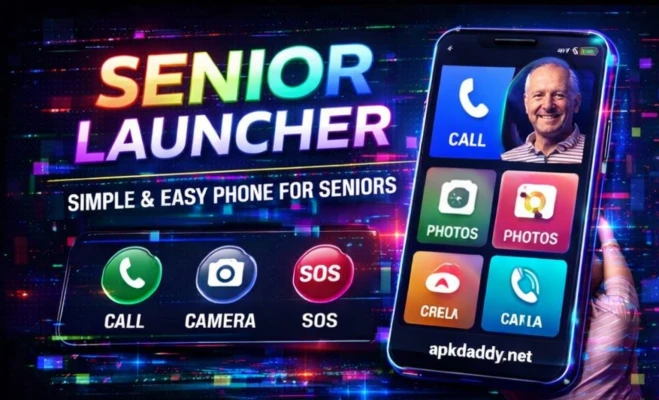
Senior Launcher is a specially designed Android launcher app created to make smartphones easier to use for elderly users and beginners. It simplifies the home screen with large icons, clear text, and an easy-to-navigate interface, helping users access essential features without confusion.
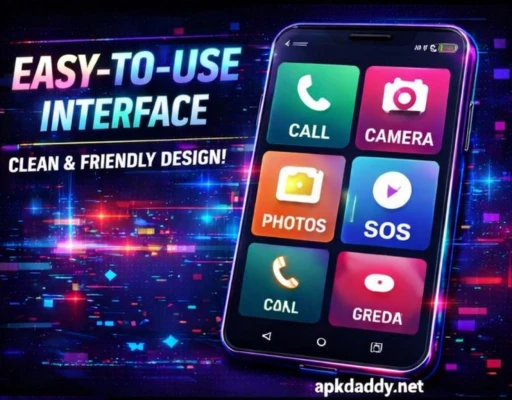
The app focuses on accessibility by providing a clean layout with quick access to important functions like calls, messages, camera, and contacts. It reduces clutter and removes unnecessary complexity found in standard launchers.
Senior Launcher is ideal for seniors, visually impaired users, or anyone who prefers a simple and distraction-free smartphone experience. It improves usability and ensures a smooth interaction with the device.
Key Features
Large Icons & Text – Easy to see and tap
Simple Home Screen – Clean and minimal layout
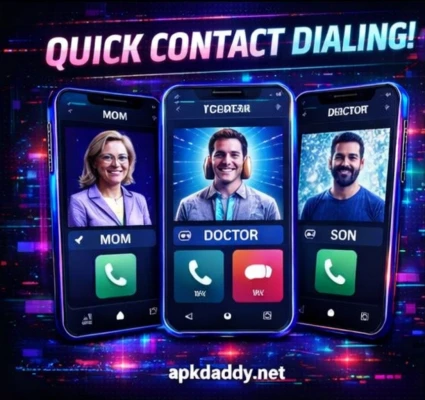
Quick Access Shortcuts – Calls, messages, camera, contacts
SOS Feature – Emergency call support (in some versions)
Easy Navigation – Designed for beginners and elderly users
High Contrast Mode – Better visibility
Lightweight & Fast – Smooth performance
Customizable Layout – Adjust shortcuts as needed
How to Install
Download the APK file from a trusted source
Go to Settings > Security
Enable Unknown Sources
Open File Manager and locate the APK
Tap on it and click Install
Wait for installation to complete
Press the Home button and select Senior Launcher as default
FAQs
Q1: Who should use Senior Launcher?
It is ideal for elderly users, beginners, or anyone who prefers a simple interface.
Q2: Can I switch back to my old launcher?
Yes, you can change the default launcher anytime from settings.
Q3: Does it support all Android devices?
It works on most Android smartphones, but features may vary.
Pros / Cons
Pros
Very easy to use
Large and clear interface
Helpful for seniors
Lightweight and fast
Improves accessibility
Cons
Limited customization options
Basic design
Fewer advanced features
Conclusion
Senior Launcher APK is a practical solution for simplifying smartphone usage. It is especially useful for elderly users who want a clear and easy interface without complexity. With its large icons and simple layout, it makes everyday mobile use more comfortable and accessible.