
Latest Version
1.5
April 26, 2026
Education
Android
18 MB
14
Free
com.drawonmap.sketchanything
Report a Problem
More About Draw on map
Description
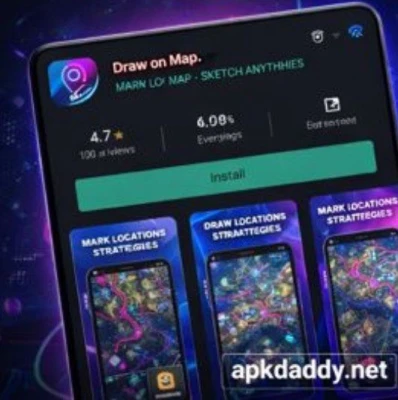
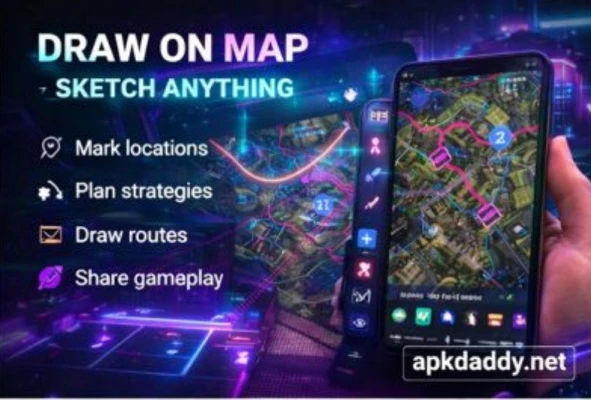
Draw on Map – Sketch Anything is a creative and utility-based Android application that allows users to draw, sketch, and annotate directly on maps. Whether you want to mark locations, plan routes, highlight areas, or simply express ideas visually, this app provides an intuitive platform to turn maps into your personal canvas.
With its user-friendly interface, the app supports real-time drawing on various map views, including satellite and terrain modes. It is ideal for travelers, planners, delivery agents, educators, and anyone who needs to visually communicate location-based ideas.
Users can customize drawing tools with different colors, brush sizes, and shapes, making it easy to create clear and detailed sketches. You can save your drawings, share them with others, or revisit them anytime for reference. The app is lightweight, fast, and designed to work smoothly on most Android devices.
Whether you are planning a trip, marking important spots, or just having fun, Draw on Map – Sketch Anything makes map interaction more engaging and practical.
Key Features
🗺️ Draw directly on maps in real-time
🎨 Multiple brush sizes and color options
📍 Mark and highlight important locations
💾 Save and manage your map sketches
📤 Share drawings easily with others
🌍 Supports different map views (satellite, terrain, normal)
✏️ Simple and easy-to-use interface
⚡ Lightweight and smooth performance
How to Install
Download the APK file from a trusted source.
Go to your device Settings > Security.
Enable Unknown Sources (or “Install unknown apps”).
Locate the downloaded APK file in File Manager.
Tap on the file and click Install.
Wait for installation to complete.
Open the app and start drawing on maps.
FAQs
Q1: Is Draw on Map – Sketch Anything free to use?
Yes, the app is free to download and use, though some features may require internet access.
Q2: Can I share my map drawings?
Yes, you can easily share your sketches via social media or messaging apps.
Q3: Does the app work offline?
Basic drawing may work offline, but map loading usually requires an internet connection.
Pros / Cons
Pros
Easy to use for beginners
Useful for travel planning and marking routes
Lightweight and fast
Multiple drawing customization options
Cons
Requires internet for map loading
Limited advanced editing tools
Ads may be present in free version
Conclusion
Draw on Map – Sketch Anything APK is a handy and creative tool for anyone who wants to interact with maps in a more visual way. Whether for planning, teaching, or fun, it provides a simple yet effective solution for drawing on maps. While it may lack some advanced features, its ease of use and practicality make it a great choice for everyday use.