Latest Version
1.97
May 02, 2026
Android
4 MB
22
Free
com.srt.speaker.subtitleaudio
Report a Problem
More About SRT Speaker
SRT Speaker – Subtitle to Audio APK
Description
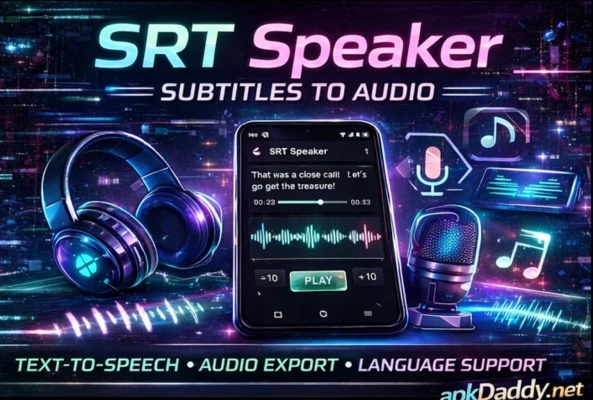
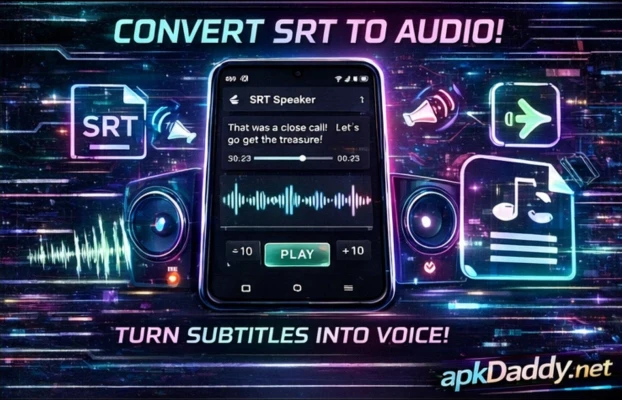
SRT Speaker – Subtitle to Audio is a unique Android app designed to convert subtitle files (SRT) into spoken audio. It helps users listen to subtitles instead of reading them, making it especially useful for language learners, visually impaired users, or those who prefer audio-based content.
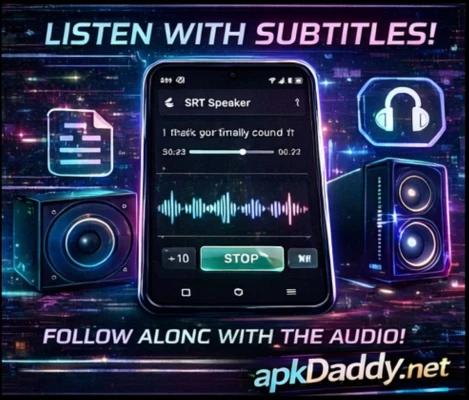
The app reads subtitle text aloud in sync with video playback, providing a hands-free experience. You can load SRT files manually or alongside video files, and the app will automatically detect and read the subtitles in real time.
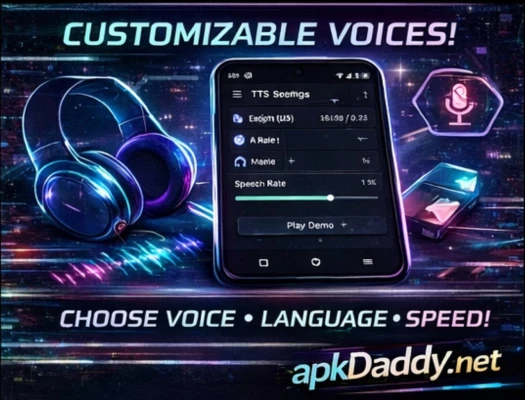
It supports multiple languages and text-to-speech (TTS) engines, allowing users to customize voice, speed, and pitch for a better listening experience. Whether you are watching movies, learning a new language, or multitasking, SRT Speaker makes subtitle consumption easier and more accessible.
Key Features
Subtitle to Audio Conversion – Convert SRT text into speech
Real-Time Sync – Reads subtitles in sync with video
Multiple Language Support – Supports various languages
Custom Voice Settings – Adjust speed, pitch, and voice style
TTS Engine Support – Works with built-in and external engines
Offline Functionality – Works without internet (depending on TTS)
Simple Interface – Easy to use and lightweight
Manual & Auto Load – Load subtitles manually or automatically
How to Install
Download the APK file from a trusted source
Go to Settings > Security
Enable Unknown Sources
Open File Manager and locate the APK
Tap on it and select Install
Wait for installation to complete
Open the app and load your subtitle file
FAQs
Q1: What is an SRT file?
An SRT file contains subtitle text with timing for videos.
Q2: Does the app support all languages?
It supports many languages depending on the TTS engine used.
Q3: Can I use it offline?
Yes, if your device has offline text-to-speech support.
Pros / Cons
Pros
Useful for accessibility
Helps in language learning
Customizable voice settings
Works offline
Lightweight and simple
Cons
Depends on TTS quality
Limited advanced features
Sync accuracy may vary
Conclusion
SRT Speaker – Subtitle to Audio APK is a practical and innovative app that transforms subtitles into spoken audio. It is ideal for users who want a hands-free experience while watching videos or learning languages. With its simple interface and useful features, it provides a convenient solution for subtitle accessibility.