


Latest Version
6.2.0
March 25, 2026
Security
Android
29 MB
26
Free
com.domobile.applock
Report a Problem
More About AppLock
🔹 Description
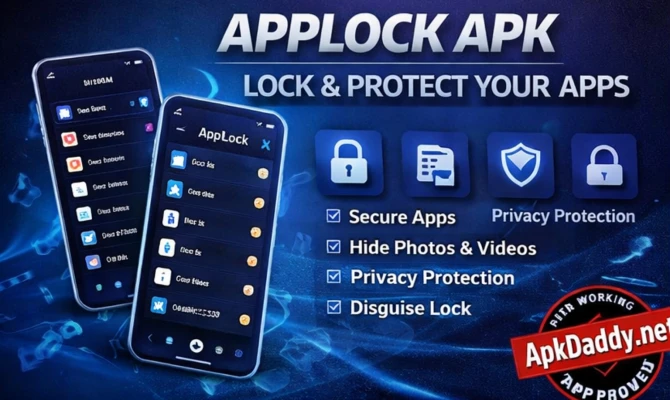
AppLock APK is a powerful privacy protection app designed to secure your personal data and applications on Android devices. It allows users to lock individual apps such as WhatsApp, Gallery, Facebook, and more using a password, pattern, or fingerprint.
With AppLock, you can prevent unauthorized access to sensitive information, ensuring your privacy is always protected. The app also offers additional security features like intruder selfie, fake cover, and hidden vault, making it more than just a simple app locker.
It is especially useful for users who share their devices with others and want to keep their personal apps and data secure without any risk.
🔹 Key Features
Lock apps using PIN, pattern, or fingerprint
Protect social media, gallery, and settings
Intruder selfie feature (captures unauthorized access attempts)
Hide photos and videos in a secure vault
Fake lock screen for extra security
Lightweight and easy-to-use interface
Supports multiple locking modes
Custom themes and UI personalization
Low battery and RAM usage
🔹 How to Install
Download the AppLock APK file from a trusted source.
Go to Settings > Security and enable “Install Unknown Apps.”
Open your file manager and locate the APK file.
Tap on the file and install the app.
After installation, open the app and set your lock type (PIN, pattern, or fingerprint).
Select the apps you want to secure and enable protection.
🔹 FAQs
Q1: Is AppLock APK safe to use?
Yes, it is safe if downloaded from a trusted source and used properly.
Q2: Can I unlock apps using fingerprint?
Yes, most versions support fingerprint unlocking for added convenience.
Q3: What happens if I forget the password?
You can recover access using a security question or email (if set during setup).
🔹 Pros and Cons
✅ Pros
Strong app-level security
Easy to set up and use
Multiple locking options
Extra privacy features (vault, intruder selfie)
Lightweight and efficient
❌ Cons
Ads in free version
Some features require premium access
May not work perfectly on all devices
Can be bypassed if not configured properly
🔹 Conclusion
AppLock APK is a reliable and feature-rich security app for Android users who want to protect their privacy. With its powerful locking system and additional security tools, it ensures your personal data remains safe. It is a must-have app for anyone concerned about mobile privacy and security.