


Latest Version
1.7.5.2144
April 21, 2026
Editing Tools
Android
59 MB
127
Free
com.video.editor.greattalent
Report a Problem
More About Easycut
📱 App Name
EasyCut - Video Editor & Maker
📝 Description
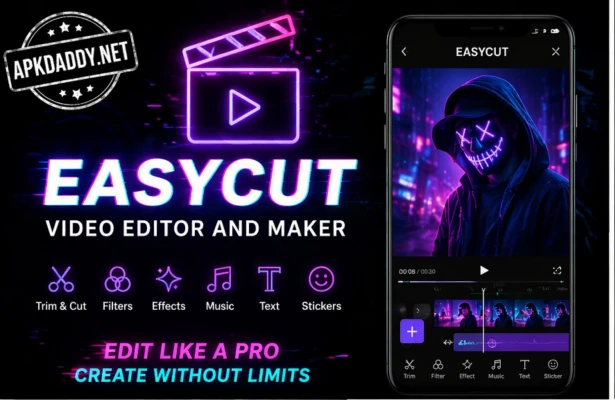
EasyCut – Video Editor & Maker is a powerful and easy-to-use video editing app designed for creating high-quality videos directly on your smartphone. Whether you’re making short videos for social media like Instagram, YouTube Shorts, or WhatsApp status, EasyCut provides all the essential tools to edit like a pro.
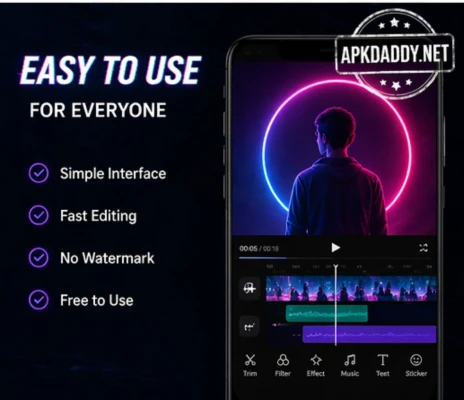
With its simple interface, even beginners can quickly trim, cut, merge, and enhance videos in just a few taps. The app includes a wide range of filters, transitions, effects, and music options to help users create engaging and professional-looking content.
You can adjust brightness, contrast, saturation, and speed, or add text, stickers, and background music to make your videos stand out. EasyCut also supports HD export, allowing you to save and share your creations in high quality without losing clarity.
It’s an all-in-one video editor suitable for vloggers, content creators, and casual users who want fast and creative editing tools on mobile.
🚀 Key Features
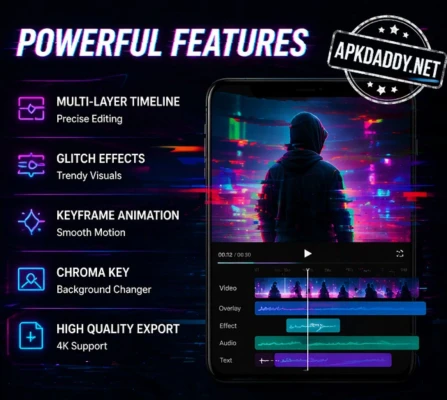
🎬 Video Trimmer & Cutter – Cut and trim clips easily
🔗 Video Merger – Combine multiple clips into one
🎵 Add Music & Voiceover – Built-in music library
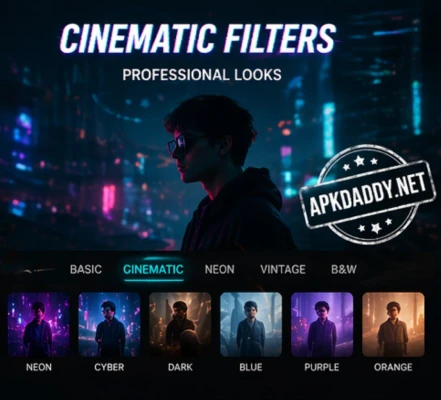
🎨 Filters & Effects – Trending effects for social media
⚡ Speed Control – Slow motion & fast motion editing
📝 Text & Stickers – Add subtitles and fun elements
📐 Crop & Ratio Change – Perfect for reels & shorts
🎞 HD Export – Save videos in high quality
📸 Photo Editor & Collage – Edit images and create collages
📥 How to Install
Download the EasyCut app file
Enable Unknown Sources in device settings
Tap on the file and install it
Open the app and start editing videos
❓ FAQs
Q1: Is EasyCut free to use?
Yes, EasyCut offers many free features, including editing tools, effects, and export options.
Q2: Can I remove watermark in EasyCut?
Yes, the app provides options to remove watermark easily in edited videos.
Q3: Is EasyCut good for beginners?
Yes, it has a simple interface and is designed for both beginners and advanced users.
✅ Pros
✔ Easy to use interface
✔ Free editing tools available
✔ Supports HD export
✔ Good for social media content
❌ Cons
✖ Contains ads
✖ Some features require purchase
✖ May lag on low-end devices
📦 Package Name
com.video.editor.greattalent
🔚 Conclusion
EasyCut – Video Editor & Maker is a great choice for anyone looking for a simple yet powerful mobile video editor. With its wide range of features and beginner-friendly design, it’s ideal for creating high-quality videos for social media without needing professional skills.