




Latest Version
1.0.21
May 01, 2026
Editing Tools
Android
53 MB
24
Free
com.v9.snap.photoscanner.app
Report a Problem
More About Picture scan
V9 Snap Photo Scanner APK
Description
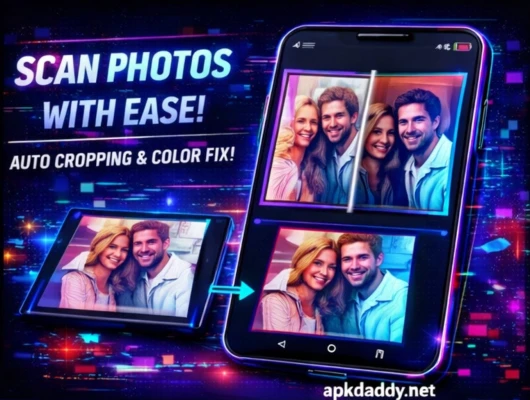
V9 Snap Photo Scanner is a smart and easy-to-use mobile scanning app that allows users to quickly scan photos, documents, and images using their smartphone camera. It converts physical pictures into high-quality digital copies within seconds.
The app uses intelligent edge detection and auto-enhancement features to deliver clean and clear scans. Whether you want to digitize old photos, scan documents, or save important records, V9 Snap Photo Scanner provides a fast and reliable solution.
With simple controls and instant processing, users can crop, adjust, and enhance scanned images directly within the app. It is suitable for students, professionals, and anyone who needs a portable scanning tool.
Key Features
Photo & Document Scanner – Scan images and papers easily
Auto Edge Detection – Detects document boundaries accurately
Image Enhancement – Improves clarity and brightness
Quick Capture Mode – Fast scanning with camera
Crop & Adjust Tools – Edit scans easily
High-Quality Output – Save clear digital copies
Share & Export – Save or share scanned files
User-Friendly Interface – Simple and easy to use
How to Install
Download the APK file from a trusted source
Go to Settings > Security
Enable Unknown Sources
Open File Manager and locate the APK file
Tap on it and select Install
Wait for installation to complete
Open the app and start scanning
FAQs
Q1: Can I scan old photos with this app?
Yes, it is designed to scan both photos and documents.
Q2: Does it require internet connection?
Basic scanning works offline, but some features may need internet.
Q3: Is scan quality good?
Yes, it provides high-quality scanned images with enhancement options.
Pros / Cons
Pros
Fast and easy scanning
Good image quality
Simple interface
Useful editing tools
Lightweight app
Cons
May require manual adjustment sometimes
Limited advanced editing features
Ads in free versions
Conclusion
V9 Snap Photo Scanner APK is a handy tool for converting physical photos and documents into digital format quickly. It offers a simple and effective scanning experience with useful editing features. Ideal for everyday use, whether for personal or professional needs.