Latest Version
4.4.7
March 29, 2026
Editing Tools
Android
143 MB
360
Free
com.videoeditorpro.android
Report a Problem
More About Vivacut
🎬 VivaCut – AI Video Editor APK
📄 Long Description
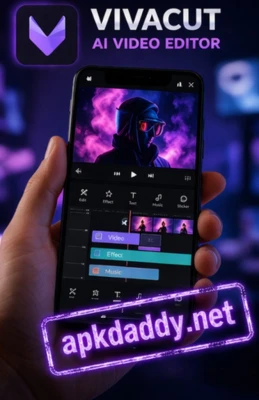
VivaCut – AI Video Editor APK is a powerful and professional video editing app designed for creating high-quality cinematic videos directly on your Android device. It offers advanced editing tools combined with AI-powered features, making it suitable for both beginners and professional creators.
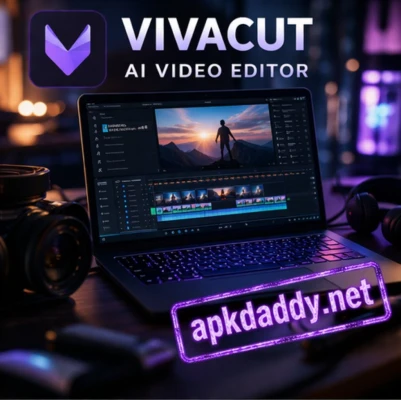
The app provides a multi-layer timeline, allowing users to edit videos with precision, add overlays, and create complex projects. With features like chroma key (green screen), keyframe animation, and cinematic transitions, VivaCut helps users produce visually stunning content for platforms like YouTube, Instagram, and TikTok. (Google Play)
VivaCut also includes AI-based tools such as auto captions, templates, and smart effects that make video editing faster and easier. Users can trim, cut, merge clips, add music, apply filters, and export videos in high resolutions including Full HD and 4K. (App Store)
Whether you want to create short reels, vlogs, or professional-style films, VivaCut provides all the essential tools in one app.
⭐ Key Features
🎞️ Multi-layer timeline for advanced editing
🎥 Chroma key (green screen) support
✨ AI tools like auto captions and templates
🎨 Cinematic transitions and visual effects
🎵 Add music and extract audio from videos
🧩 Keyframe animation for precise control
📹 Trim, cut, merge, and adjust video clips
📊 Export videos in HD, Full HD, and 4K
📱 Easy-to-use interface for beginners
📥 How to Install VivaCut APK
Download the VivaCut APK file from a trusted source.
Go to Settings > Security on your device.
Enable Unknown Sources.
Open your file manager and locate the APK file.
Tap on the file and click Install.
Wait for installation to complete.
Open the app and start editing videos. 🎬
❓ FAQs
Q1: Is VivaCut free to use?
Yes, VivaCut offers free features, but some advanced tools and effects require a premium subscription. (App Store)
Q2: Can I edit videos in 4K quality?
Yes, VivaCut supports exporting videos in high resolutions including 1080p and 4K. (App Store)
Q3: Does VivaCut support green screen editing?
Yes, it includes chroma key (green screen) features for advanced editing. (Google Play)
👍 Pros / Cons
✔️ Pros
Professional-level editing tools
AI features for faster editing
Multi-layer timeline support
High-quality export options
Suitable for beginners and pros
❌ Cons
Some features require premium subscription
Ads in free version
Can be heavy on low-end devices
Requires internet for some AI tools
🏁 Conclusion
VivaCut – AI Video Editor APK is one of the best mobile video editing apps for creating cinematic and professional videos. With its powerful tools, AI features, and easy interface, it allows users to produce high-quality content effortlessly. Whether you're editing for social media or professional projects, VivaCut is a great choice.