



Latest Version
6.8.1
May 01, 2026
Android
https://inddrive.in/0379bafb
1
Free
com.screen.dimmer.brightness.control
Report a Problem
More About Screen Dimmer
Screen Dimmer APK
Description
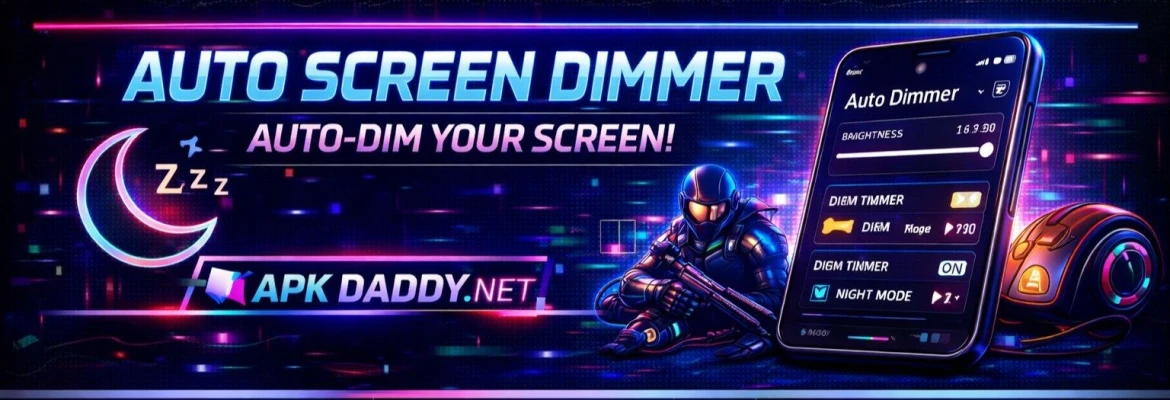
Screen Dimmer is a lightweight and practical Android app designed to reduce your screen brightness beyond the default system limits. It is especially useful in low-light environments where even the minimum brightness of your device feels too bright.
The app applies a dark overlay on your screen, allowing you to dim the display to a comfortable level for night-time use, reading, or browsing. It helps reduce eye strain and can also contribute to better sleep by minimizing harsh screen light.
With simple controls and quick adjustments, Screen Dimmer offers an easy way to customize your viewing experience. It works smoothly on most Android devices without requiring root access, making it accessible for all users.
Key Features
Extra Screen Dimming – Lower brightness beyond system settings
Eye Protection Mode – Reduces strain in dark environments
Quick Control Slider – Adjust brightness instantly
Battery Saving Support – Lower brightness can help save battery
Simple & Clean UI – Easy to use for all users
Auto Start Option – Enable dimmer automatically on launch
Lightweight App – Minimal storage and RAM usage
No Root Required – Works on all supported devices
How to Install
Download the APK file from a trusted source
Go to Settings > Security
Enable Unknown Sources
Open File Manager and find the APK file
Tap on it and select Install
Wait for installation to complete
Open the app and adjust brightness as needed
FAQs
Q1: Is Screen Dimmer safe to use?
Yes, it is safe and commonly used to reduce screen brightness and eye strain.
Q2: Will it affect battery life?
It may help save battery slightly by reducing brightness.
Q3: Does it require root access?
No, the app works without root permissions.
Pros / Cons
Pros
Reduces brightness beyond default limit
Helpful for night usage
Easy to control
Lightweight and fast
No root required
Cons
Overlay may interfere with screenshots
Some apps may override dim settings
Limited advanced customization
Conclusion
Screen Dimmer APK is a simple yet effective tool for improving screen comfort, especially during night-time use. It is ideal for users who want to reduce eye strain and control brightness more precisely than standard settings allow. With its easy interface and useful features, it’s a must-have utility app for daily use.