

Latest Version
15.4
April 26, 2026
Design
Android
16 MB
0
Free
com.protheme.launcher.winx2.launcher
Report a Problem
More About Computer Launcher Pro
Description
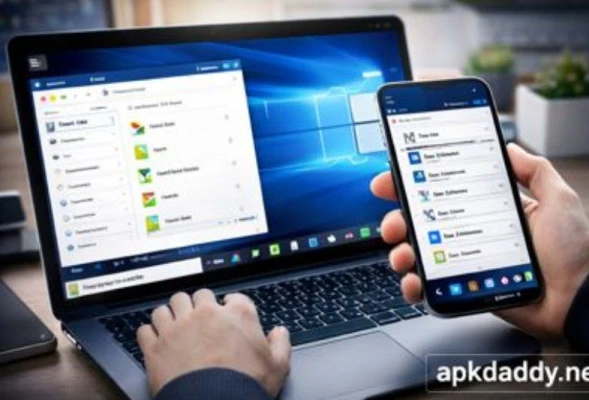
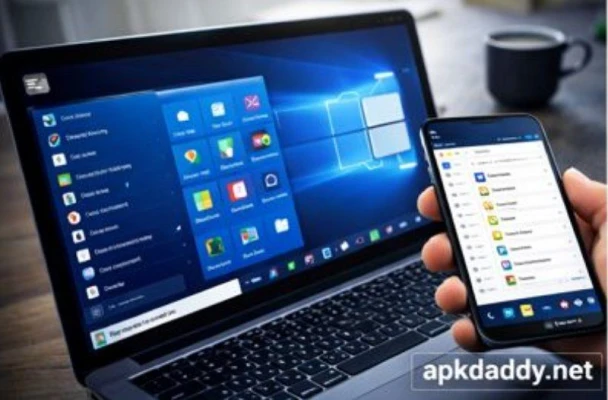
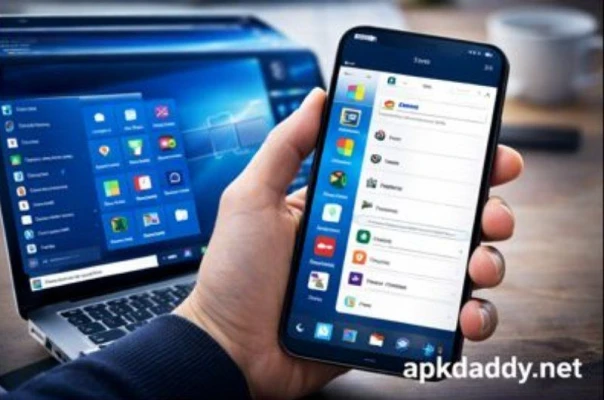
Computer Launcher Pro is a powerful Android launcher designed to transform your smartphone into a desktop-style interface similar to a personal computer. Inspired by operating systems like Windows, this app provides a familiar layout with a Start Menu, taskbar, file explorer, and desktop-style navigation.
With this launcher, users can manage apps, files, and folders in a structured and organized way, just like using a PC. It supports multiple customization options, including themes, wallpapers, widgets, and icon packs, allowing you to personalize your device according to your preferences.
The app includes a built-in file manager that supports internal storage, SD cards, and USB drives, making file handling easy and efficient. It also offers features like app lock, desktop widgets, and a photo viewer to enhance productivity and usability.
Whether you want a unique interface or a more efficient way to manage your device, Computer Launcher Pro delivers a smooth, responsive, and feature-rich experience. (APKPure.com)
Key Features
🖥️ PC-style desktop interface (Start Menu & Taskbar)
📂 Built-in file manager (supports SD card & USB)
🎨 100+ themes and wallpapers
🔒 App lock and security features
📁 Create folders and organize apps easily
🧩 Desktop widgets support
🖼️ Photo viewer integration
⚡ Smooth and fast performance
How to Install
Download the APK file from a trusted source.
Open Settings > Security on your device.
Enable Unknown Sources.
Locate the APK file in File Manager.
Tap on it and click Install.
Wait for installation to finish.
Open the app and set it as default launcher.
FAQs
Q1: Is Computer Launcher Pro free to use?
Yes, it is free to download, but some features may be limited or require premium access.
Q2: Does it really make my phone like a PC?
It provides a PC-like interface with desktop layout, file management, and navigation style. (Uptodown)
Q3: Can I customize the launcher?
Yes, you can customize themes, icons, wallpapers, and layout as per your preference.
Pros / Cons
Pros
Unique PC-style experience
Easy file management system
Highly customizable
Lightweight and fast
Cons
Ads may appear in free version
Requires some time to get used to interface
Not a real PC, only visual transformation
Conclusion
Computer Launcher Pro APK is an excellent choice for users who want a desktop-like experience on their Android device. It combines style, functionality, and customization to deliver a unique interface. While it may not replace a real computer, it significantly improves organization and usability for everyday tasks.