Latest Version
8.2.0
April 16, 2026
Android
12 MB
9
Free
com.alright.files.manager
Report a Problem
More About Alright Files
Alright Files APK (Latest Version)
Description
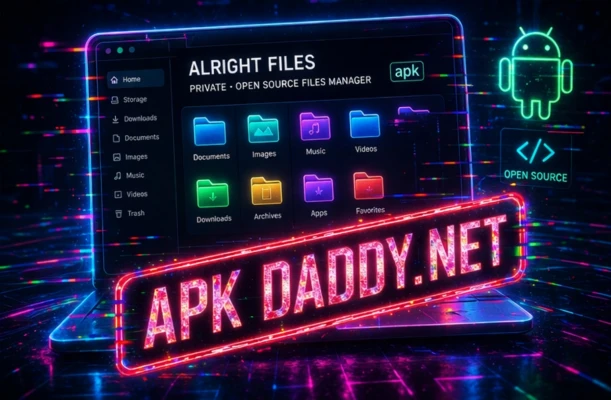
Alright Files is a lightweight and efficient file manager app designed to help Android users organize, manage, and access their files easily. It provides a clean and simple interface, making file browsing smooth and hassle-free.
With Alright Files, users can quickly explore internal storage and SD card directories, manage documents, images, videos, and other file types. The app supports essential file operations such as copy, move, rename, delete, and share.
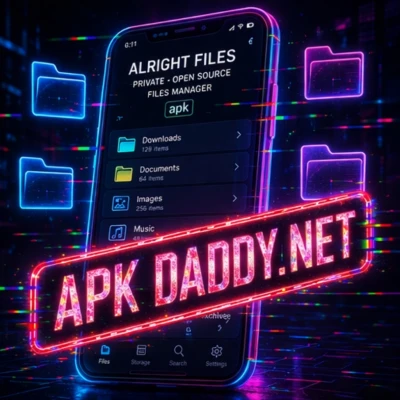
It also includes smart categorization, allowing users to view files by type like images, videos, audio, and documents. This makes it easier to find files without manually browsing through folders.
Additionally, Alright Files offers features like storage analysis, helping users identify large files and free up space. It is optimized for performance and works smoothly on both low-end and high-end devices.
Overall, Alright Files is a practical and user-friendly solution for managing files efficiently on Android devices.
Key Features
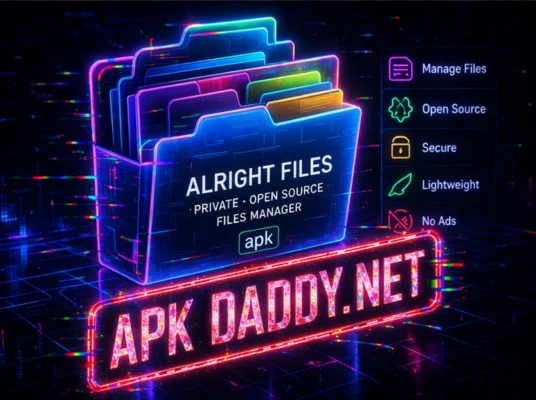
📁 File Management – Copy, move, rename, delete files
📂 Storage Access – Browse internal & external storage
🔍 Quick Search – Find files instantly
📊 Storage Analyzer – Identify large files and free space
🗂 Smart Categories – Organize files by type
📤 File Sharing – Share files easily
⚡ Lightweight & Fast – Smooth performance
📱 User-Friendly Interface – Simple and clean design
How to Install
Download the Alright Files APK file.
Go to Settings > Security on your Android device.
Enable Unknown Sources.
Open the downloaded APK file.
Tap Install and wait for completion.
Launch the app and manage your files.
FAQs
1. Is Alright Files free to use?
Yes, it offers free basic file management features.
2. Can I transfer files using this app?
Yes, you can move and share files easily.
3. Does it support all file types?
It supports most common file formats like images, videos, and documents.
Pros / Cons
✅ Pros
Simple and easy to use
Fast and lightweight
Supports essential file operations
Works on most devices
Includes storage analysis
❌ Cons
Limited advanced features
Ads may be present
No cloud integration in basic version
Conclusion
Alright Files APK is a reliable and efficient file manager for Android users. With its clean interface and essential features, it provides a smooth file management experience. While it may lack advanced options, it is a great choice for everyday use.