
Latest Version
7.14.2
March 21, 2026
Editing Tools
Android
72 MB
0
Free
Com.vlogu
Report a Problem
More About VlogU
🎬 VlogU – Vlog Video Editor Maker APK Description
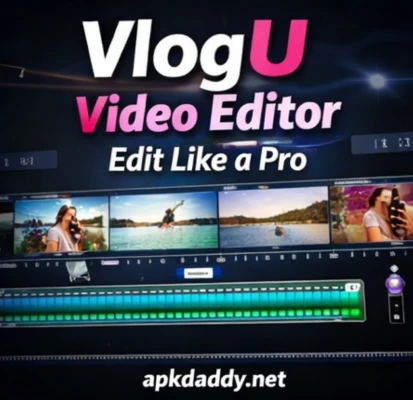
VlogU – Vlog Video Editor Maker is a powerful and easy-to-use video editing app designed especially for vlog creators, YouTubers, and social media users. It allows you to create professional-looking videos with stylish effects, music, and smooth transitions directly from your Android device.
With VlogU, you can trim, cut, merge, and edit videos effortlessly. The app offers a wide range of editing tools, including filters, text, stickers, and cinematic transitions that help you make engaging and high-quality vlogs. Whether you're creating content for YouTube, Instagram, or TikTok, this app makes video editing fast and simple.
It also includes advanced features like background music, voice-over recording, and video effects to enhance your content. The intuitive interface ensures that even beginners can create stunning videos without any hassle.
✨ Key Features:
Easy video trimming, cutting, and merging
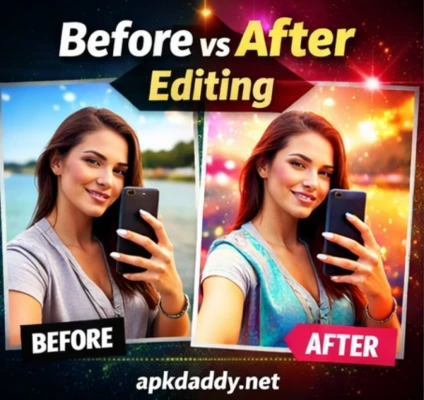
Stylish filters and cinematic effects
Add music and voice-over to videos
Smooth transitions for professional editing
Text, stickers, and emojis support
High-quality video export (HD)
User-friendly interface for beginners
Perfect for vlogs, reels, and social media videos
⚙️ How to Use:
Install and open the app
Import your video clips
Edit using tools like cut, trim, and effects
Add music, text, or transitions
Export and share your video
⚠️ Disclaimer:
Some features may require additional downloads
Performance may vary depending on device specifications