

Latest Version
453
April 21, 2026
Editing Tools
Android
149 MB
232
Free
Report a Problem
More About VSCO
📸 VSCO – Photo Editor & Video Editor
📖 Description
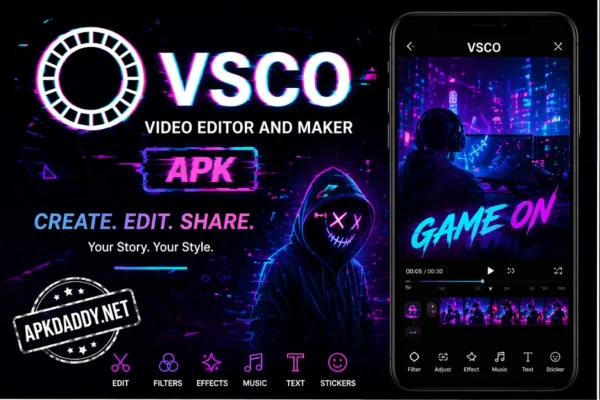
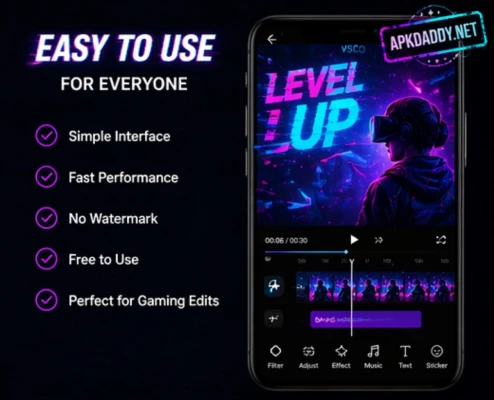
VSCO is a creative photo and video editing app designed for users who want professional-quality results with minimal effort. It offers a wide range of presets and advanced editing tools that allow you to enhance your photos with a unique and aesthetic style.
The app is known for its clean interface and high-quality filters that replicate classic film looks. Whether you want subtle color adjustments or dramatic visual transformations, VSCO provides powerful tools to fine-tune exposure, contrast, saturation, and more.
In addition to photo editing, VSCO also supports video editing, letting you apply presets and adjustments to videos for a consistent visual style. The platform also includes a creative community where users can share their work and discover inspiration from others.
VSCO is suitable for beginners as well as advanced creators who want a simple yet powerful editing experience.
⭐ Key Features
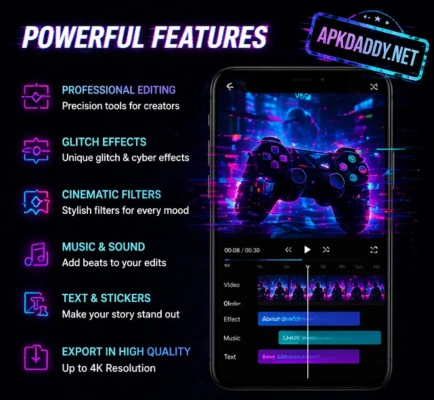
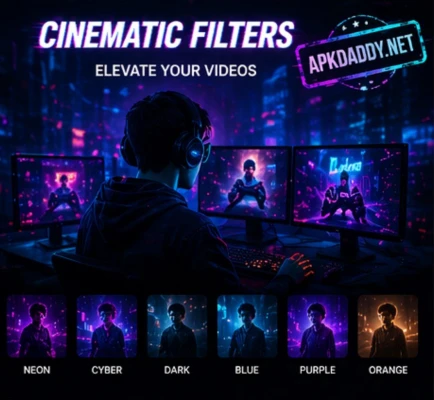
High-quality presets inspired by classic film styles
Advanced editing tools (exposure, contrast, temperature, etc.)
Video editing with filters and adjustments
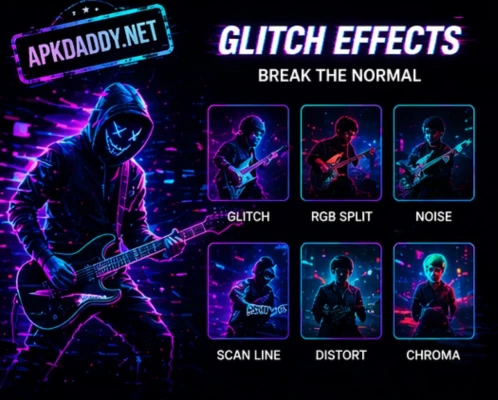
Grain and fade effects for aesthetic looks
Easy-to-use and clean interface
Creative community for sharing photos
Regular updates with new presets and tools
📥 How to Install
Download the VSCO app file on your device
Go to Settings > Security > Enable Unknown Sources
Locate the downloaded file in your file manager
Tap on the file and click Install
Wait for the installation to complete
Open the app and start editing your photos
❓ FAQs
Q1: Is VSCO free to use?
Yes, VSCO offers a free version with basic features. Some advanced presets and tools may require a subscription.
Q2: Does VSCO work offline?
Yes, most editing features work offline, but community features require an internet connection.
Q3: Can I edit videos in VSCO?
Yes, VSCO allows you to edit videos using filters and basic adjustment tools.
👍 Pros / 👎 Cons
✔️ Pros
Professional-quality filters
Simple and user-friendly design
Supports both photo and video editing
Wide range of creative tools
❌ Cons
Some features are locked behind a subscription
Requires storage space for presets and media
Limited advanced tools compared to desktop editors
🏁 Conclusion
VSCO is a powerful yet easy-to-use editing app that helps users create stunning photos and videos with minimal effort. Its high-quality presets, smooth performance, and creative tools make it a popular choice among content creators and photography enthusiasts. Whether you are editing casual photos or building a visual portfolio, VSCO provides everything you need in one place.