


Latest Version
1.15.17
March 29, 2026
Design
Android
13 MB
48
Free
bitpit.launcher
Report a Problem
More About Niagara Launcher
📱 Niagara Launcher APK
📄 Description
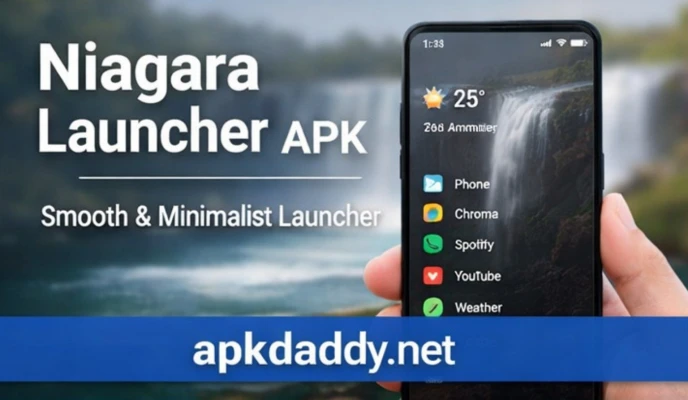
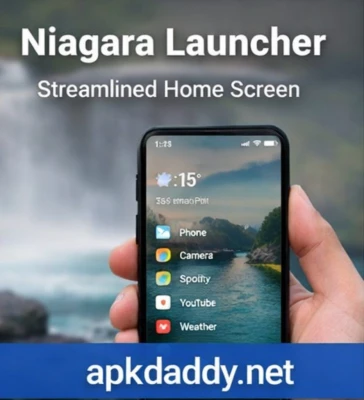
Niagara Launcher APK is a clean, minimalist Android launcher designed to provide a distraction-free and efficient home screen experience. Unlike traditional launchers that clutter your screen with icons and widgets, Niagara focuses on simplicity and ease of use.
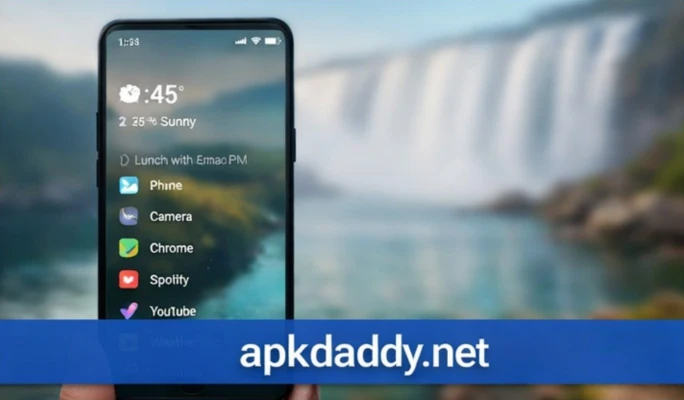
With its unique vertical app list and smart notification integration, Niagara Launcher allows you to access your favorite apps quickly with just one hand. The design is optimized for speed and usability, making it ideal for users who want a fast and organized interface.
The launcher also includes features like app hiding, custom icon packs, and gesture controls, giving users the ability to personalize their device while maintaining a clean look. Notifications are displayed directly on the home screen, so you can read and respond without opening apps.
Whether you prefer a minimalist setup or want to boost productivity, Niagara Launcher transforms your Android device into a smooth and modern interface.
⭐ Key Features
📜 Minimalist and clutter-free home screen
👆 One-handed usability with vertical app list
🔔 Built-in notification preview and quick reply
🎨 Support for custom icon packs
🔒 App hiding for privacy
⚡ Fast and lightweight performance
🧭 Gesture controls for quick navigation
🌙 Clean and modern user interface
📥 How to Install Niagara Launcher APK
Download the Niagara Launcher APK file from a trusted source.
Go to your device Settings > Security.
Enable Unknown Sources.
Open your file manager and locate the APK file.
Tap on the file and click Install.
Wait for the installation to complete.
Press the home button and select Niagara Launcher as default.
❓ FAQs
Q1: Is Niagara Launcher free to use?
Yes, it offers a free version with basic features, but some advanced features require a premium upgrade.
Q2: Does Niagara Launcher support icon packs?
Yes, you can customize your home screen using different icon packs available on Android.
Q3: Can I hide apps in Niagara Launcher?
Yes, it includes an app hiding feature for better privacy and organization.
👍 Pros / Cons
✔️ Pros
Clean and minimalist design
Easy one-handed use
Fast and smooth performance
Useful notification integration
Highly customizable
❌ Cons
Limited features in free version
Not suitable for users who prefer traditional layouts
Some premium features are paid
🏁 Conclusion
Niagara Launcher APK is an excellent choice for users who want a simple, fast, and distraction-free Android experience. Its minimalist design and smart features make navigation easy while improving productivity. If you’re tired of cluttered home screens, Niagara Launcher is definitely worth trying.