



Latest Version
8.7
April 04, 2026
Others
Android
16 MB
7
Free
com.orbit.launcher.android
Report a Problem
More About Orbit Launcher
Description
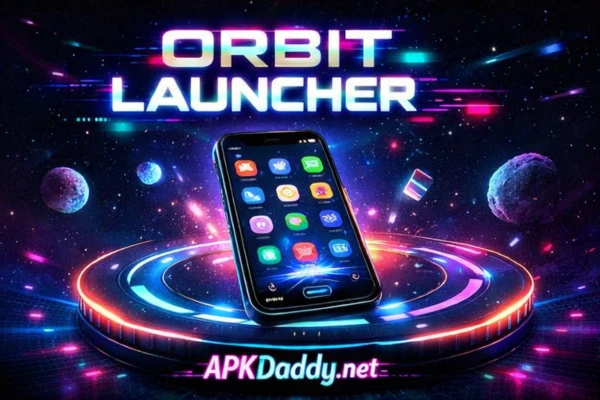
Orbit Launcher APK is a modern and customizable Android launcher designed to give your device a fresh, stylish, and highly functional home screen experience. With its unique design approach, Orbit Launcher offers smooth navigation, smart organization, and a visually appealing interface that enhances usability.
This launcher allows users to personalize their home screen with custom icons, themes, wallpapers, and layout options. It features a fast and lightweight engine that ensures smooth performance without slowing down your device. Whether you prefer a minimal look or a feature-rich interface, Orbit Launcher adapts to your needs.
Orbit Launcher APK also includes intelligent features like gesture controls, app hiding, and quick access tools that improve efficiency and privacy. It is perfect for users who want to transform their device’s appearance while maintaining speed and stability.
Key Features
🚀 Custom Home Screen – Personalize layout, icons, and themes
🎨 Theme & Icon Support – Apply custom icon packs and styles
⚡ Smooth Performance – Lightweight and fast launcher engine
👆 Gesture Controls – Swipe and tap shortcuts for quick actions
🔒 App Hide Feature – Keep apps private and secure
📂 Smart App Drawer – Organize apps efficiently
🌌 Unique UI Design – Modern and clean interface
🔧 Customizable Settings – Full control over appearance and behavior
How to Install
Download the Orbit Launcher APK file from a trusted source
Go to Settings > Security
Enable Unknown Sources
Open the downloaded APK file
Tap Install and wait for completion
Press the Home button and select Orbit Launcher as default
FAQs
1. What is Orbit Launcher APK?
It is a customizable Android launcher that changes your home screen design and functionality.
2. Is Orbit Launcher free to use?
Yes, the basic version is free, but some features may require premium access.
3. Can I use icon packs with this launcher?
Yes, it supports most third-party icon packs.
4. Does it slow down my phone?
No, it is optimized for smooth and fast performance.
5. Can I hide apps?
Yes, it includes an app hide feature for privacy.
Pros / Cons
✅ Pros
Highly customizable
Smooth and fast performance
Modern UI design
Supports gestures and icon packs
Privacy features included
❌ Cons
Some features locked in premium
May take time to customize fully
Not available on all devices
Occasional bugs on older Android versions
Conclusion
Orbit Launcher APK is an excellent choice for users who want to refresh their Android experience with a modern and customizable interface. With its powerful features, smooth performance, and flexible design options, it offers a perfect balance between style and functionality. If you're looking for a new launcher to enhance your device, Orbit Launcher is definitely worth trying.