
Latest Version
1.8.6.0
April 13, 2026
Android
72 MB
65
Free
com.bd.filemanager.explorer
Report a Problem
More About BD File Manager
BD File Manager APK (Latest Version)
Description
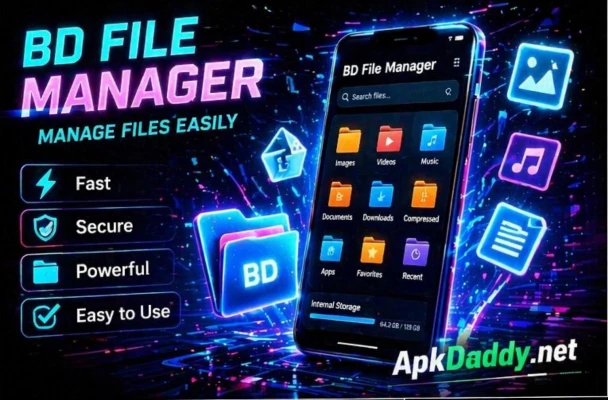
BD File Manager is a simple yet powerful file management application designed to help Android users organize, manage, and access their files efficiently. Whether you want to browse folders, move files, delete unwanted data, or transfer content, this app provides all essential tools in one place.
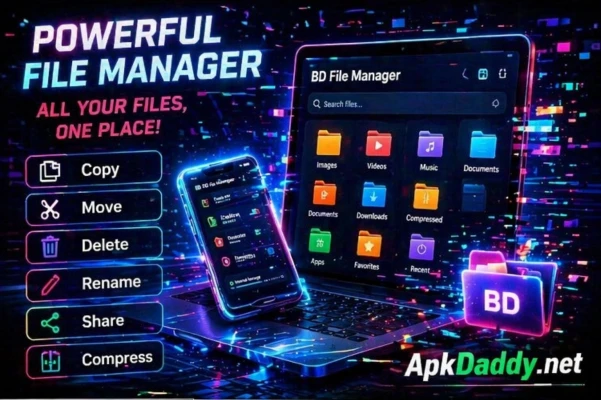
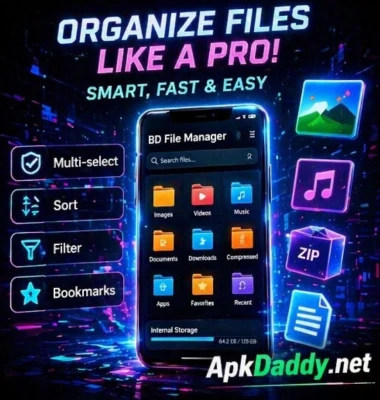
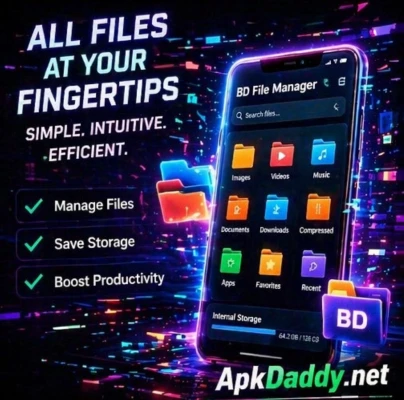
With BD File Manager, users can easily navigate through internal storage and SD card directories using a clean and intuitive interface. It supports various file operations such as copy, paste, rename, delete, and share. The app also allows users to categorize files like images, videos, music, and documents for quick access.
Additionally, BD File Manager includes features like storage analysis, helping users identify large files and free up space. It also supports ZIP file extraction and compression, making it easier to manage archived files.
The lightweight design ensures smooth performance even on low-end devices, while maintaining fast file browsing and operations. Whether you are a beginner or an advanced user, BD File Manager offers a convenient solution for everyday file management tasks.
Key Features
📁 File Management – Copy, move, rename, delete files easily
📂 Storage Access – Browse internal storage and SD card
🔍 File Search – Quickly find files and folders
📊 Storage Analyzer – Identify large files and free space
🗜 ZIP Support – Compress and extract ZIP files
📤 File Sharing – Share files quickly
🎵 Media Categorization – Access images, videos, and music easily
⚡ Lightweight & Fast – Smooth performance on all devices
📱 User-Friendly Interface – Easy navigation
How to Install
Download the BD File Manager APK file.
Go to Settings > Security on your device.
Enable Unknown Sources.
Open the downloaded APK file.
Tap Install and wait for completion.
Launch the app and manage your files.
FAQs
1. Is BD File Manager free to use?
Yes, the app is free with basic file management features.
2. Can I use it to transfer files?
Yes, you can share and move files easily within your device.
3. Does it support ZIP files?
Yes, it supports ZIP extraction and compression.
Pros / Cons
✅ Pros
Easy to use interface
Fast and lightweight
Supports essential file operations
Works on most Android devices
Includes storage analyzer
❌ Cons
Limited advanced features
Ads may be present
No cloud integration in basic version
Conclusion
BD File Manager APK is a practical and efficient tool for managing files on Android devices. With its simple interface and essential features, it is perfect for everyday use. While it may lack some advanced functionalities, it remains a reliable option for users who need a fast and lightweight file manager.