
Latest Version
8.3.1
March 24, 2026
Tools
Android
30 MB
3
Free
com.monect.portable
Report a Problem
More About PC Remote
🔹 Description
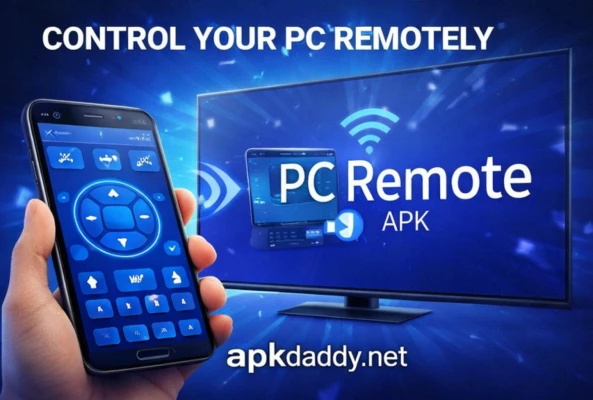
PC Remote APK is a powerful Android application that allows users to control their computer remotely using a smartphone. It transforms your mobile device into a wireless remote for your PC or laptop, making it easy to manage tasks without physically interacting with the computer.
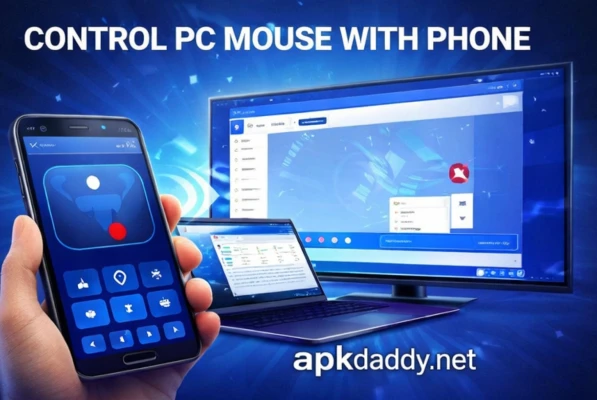
With PC Remote, users can control the mouse, keyboard, media playback, presentations, and even games directly from their phone. It connects via Wi-Fi or Bluetooth, providing a smooth and responsive experience. This app is especially useful for presentations, watching movies, or controlling your PC from a distance.
PC Remote APK also includes features like screen mirroring, file transfer, and remote desktop control, making it a versatile tool for both personal and professional use.
🔹 Key Features
Full mouse and keyboard control from your smartphone
Wireless connection via Wi-Fi or Bluetooth
Media control (play, pause, volume, etc.)
PowerPoint and presentation control
Screen mirroring and remote desktop access
File transfer between phone and PC
Gaming mode with built-in controller support
Simple and user-friendly interface
Lightweight and fast performance
🔹 How to Install
Download the PC Remote APK file from a trusted source.
Enable Unknown Sources from your device settings.
Install the APK file on your Android device.
Download and install the PC Remote server software on your computer.
Connect both devices to the same Wi-Fi network or via Bluetooth.
Open the app and connect your phone to your PC to start controlling it.
🔹 FAQs
Q1: Is PC Remote APK free to use?
Yes, the app is free and offers most features without any cost.
Q2: Does it require internet to work?
No, it works over local Wi-Fi or Bluetooth without needing internet.
Q3: Is it safe to control my PC using this app?
Yes, it is safe if used over a secure network and downloaded from trusted sources.
🔹 Pros and Cons
✅ Pros
Easy remote control of PC
Works without internet (local connection)
Supports multiple functions (mouse, keyboard, media)
Useful for presentations and entertainment
Lightweight and simple setup
❌ Cons
Requires PC software installation
Connection issues may occur sometimes
Limited advanced features in free version
Performance depends on network stability
🔹 Conclusion
PC Remote APK is a convenient and practical solution for controlling your computer from your smartphone. Whether you are giving a presentation, watching movies, or managing files, it provides a seamless remote experience. With its easy setup and useful features, it is a great tool for both casual and professional users.