
Latest Version
6.8.1
May 01, 2026
Tools
Android
14 MB
24
Free
com.rgb.setting.screen.color.control
Report a Problem
More About RGB Setting
RGB Setting APK
Description
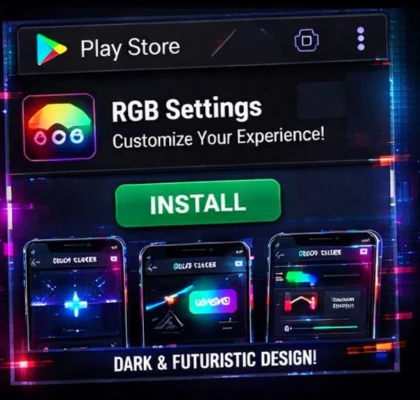
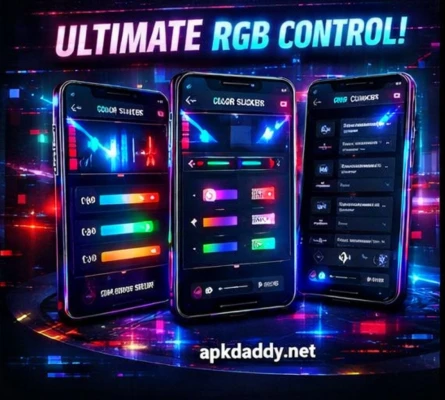
RGB Setting is a customizable Android utility app that allows users to adjust and control the red, green, and blue (RGB) color levels of their device screen. With this app, you can fine-tune display colors to match your personal preference, enhance visual comfort, or create unique screen effects.
The app works by applying a color filter overlay, giving you the ability to modify screen tone, saturation, and color balance. Whether you want a warmer display, a cooler tone, or a completely custom look, RGB Setting makes it easy.
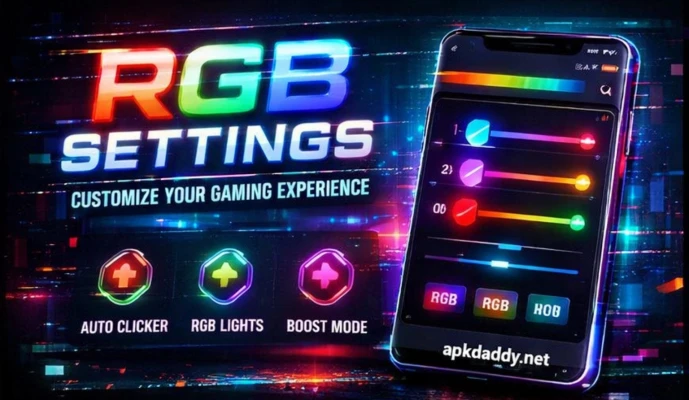
It is especially useful for users who spend long hours on their phones and want to reduce eye strain or experiment with different color profiles. The app features an intuitive interface with sliders for precise adjustments, making it suitable for both beginners and advanced users.
Key Features
RGB Color Control – Adjust red, green, and blue levels individually
Custom Screen Filters – Create personalized display tones
Real-Time Preview – See changes instantly on screen
Eye Comfort Mode – Reduce harsh colors for better viewing
Simple Slider Controls – Easy and precise adjustments
Lightweight App – Smooth performance on most devices
No Root Required – Works without root access
Overlay Filter System – Applies changes across apps
How to Install
Download the APK file from a trusted source
Go to Settings > Security
Enable Unknown Sources
Open File Manager and locate the APK
Tap the file and click Install
Wait for installation to complete
Open the app and customize RGB settings
FAQs
Q1: What does RGB control do?
It lets you adjust red, green, and blue color levels to customize your screen appearance.
Q2: Is it safe to use?
Yes, it uses a screen overlay and does not harm your device.
Q3: Does it need root access?
No, the app works without root permissions.
Pros / Cons
Pros
Full control over screen colors
Easy to use sliders
Helps reduce eye strain
Lightweight and fast
No root required
Cons
Overlay may affect some apps
Colors may not be perfectly accurate
Limited advanced presets
Conclusion
RGB Setting APK is a handy tool for users who want more control over their screen colors. Whether for comfort, customization, or experimentation, it provides a simple way to adjust display tones. It’s ideal for anyone looking to personalize their smartphone viewing experience.