

Latest Version
2.3
May 01, 2026
Tools
Android
9 MB
29
Free
com.usb.otg.checker.deviceinfo
Report a Problem
More About USB OTG Checker
USB OTG Checker APK
Description
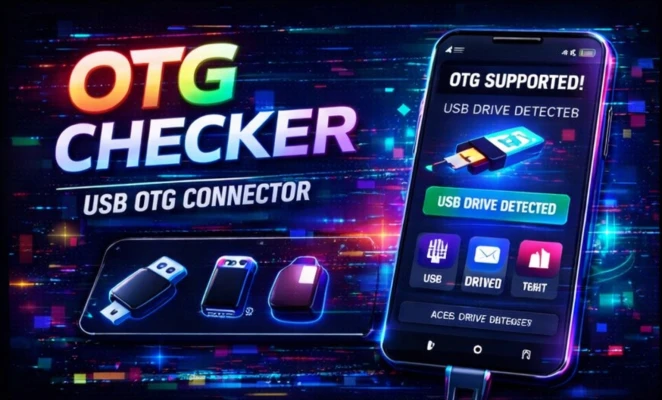
USB OTG Checker is a simple and useful Android utility app that helps users determine whether their device supports USB OTG (On-The-Go) functionality. OTG allows smartphones and tablets to connect directly with USB devices like pen drives, keyboards, mice, and game controllers.
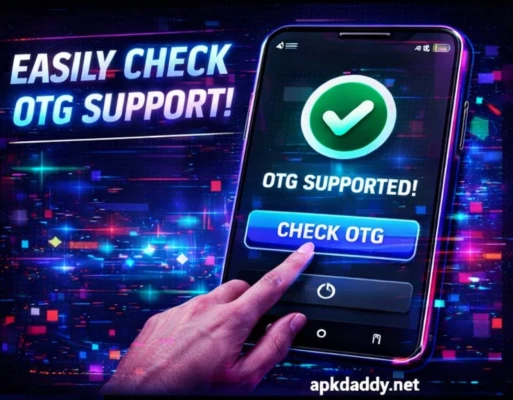
This app quickly checks your device’s hardware and software compatibility to confirm OTG support without needing to manually test external devices. It provides clear results and basic information about your device’s USB capabilities.
With its lightweight design and fast performance, USB OTG Checker is ideal for users who want to verify compatibility before purchasing OTG accessories. It works on most Android devices and does not require root access.
Key Features
Quick OTG Compatibility Check – Instantly detect OTG support
Device Information – Shows USB and system details
Simple One-Tap Scan – Easy to use interface
Accurate Results – Reliable detection method
Lightweight App – Minimal storage and RAM usage
No Root Required – Works on standard Android devices
Fast Performance – Instant results without delay
How to Install
Download the APK file from a trusted source
Go to Settings > Security
Enable Unknown Sources
Open File Manager and locate the APK
Tap on it and select Install
Wait for installation to complete
Open the app and check OTG support
FAQs
Q1: What is USB OTG?
USB OTG allows your phone to connect with USB devices like flash drives and keyboards.
Q2: Do I need internet to use this app?
No, it works offline.
Q3: Does it require root access?
No, the app works without root.
Pros / Cons
Pros
Very easy to use
Fast OTG detection
Lightweight and simple
No root required
Helpful before buying OTG devices
Cons
Limited features
Only checks compatibility
No advanced USB tools
Conclusion
USB OTG Checker APK is a handy tool for quickly verifying whether your Android device supports OTG functionality. It saves time and helps users make informed decisions when purchasing USB accessories. Perfect for everyday users who want a quick and reliable check.