

Latest Version
5.1.5
April 02, 2026
Tools
Android
39 MB
8
Free
com.unblock.fast.secure.vpn.proxy
Report a Problem
More About Privify VPN
Description
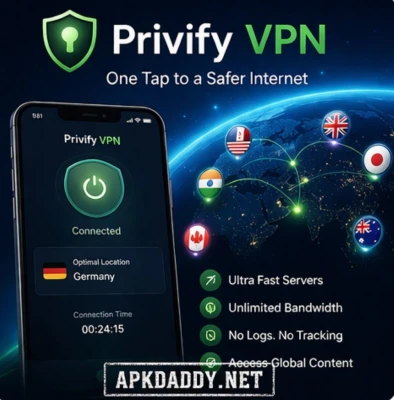
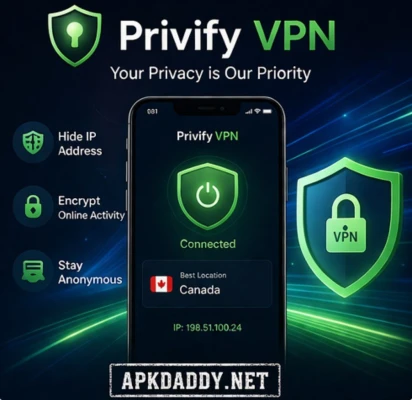
Privify VPN APK (Fast Secure VPN Proxy) is a powerful privacy and security tool designed to protect your online activities. It uses strong encryption technology to secure your internet connection, especially when using public Wi-Fi networks. With just one tap, users can connect to high-speed VPN servers and browse the internet safely and anonymously.
The app offers a global network of servers, allowing users to access restricted content, unblock websites, and enjoy seamless streaming and gaming. It is designed with a simple and clean interface, making it easy for beginners to use without any technical knowledge.
Privify VPN ensures that your data is encrypted and your identity remains private while browsing. However, like all VPN services, it cannot guarantee 100% anonymity or protection from every online threat.
Key Features
✅ One-tap VPN connection
✅ High-speed global servers
✅ Strong encryption for data security
✅ No-logs policy (does not track user activity)
✅ Works on public Wi-Fi protection
✅ Unblock restricted websites and apps
✅ Smooth streaming and gaming experience
✅ Auto-connect to fastest server
✅ Lightweight and easy-to-use interface
How to Install
Download the Privify VPN APK file from a trusted source.
Go to your phone Settings > Security.
Enable Install from Unknown Sources.
Open the downloaded APK file.
Tap on Install and wait for completion.
Open the app and tap Connect to start using VPN.
FAQs (5 Questions)
Q1. Is Privify VPN free to use?
Yes, it offers free access with basic features, but some premium servers may require payment.
Q2. Does Privify VPN keep logs?
According to the app description, it follows a no-logs policy and does not track user activity. (Google Play)
Q3. Can I use it for streaming?
Yes, it supports high-speed servers suitable for streaming and browsing.
Q4. Is it safe for public Wi-Fi?
Yes, it encrypts your connection to protect data on public networks.
Q5. Does it work on all Android devices?
It requires Android 7.0 or higher to run properly.
Pros / Cons
Pros
Fast connection speed
Easy one-tap usage
Strong encryption security
Global server access
Lightweight app
Cons
Ads in free version
Limited features without premium
Cannot guarantee complete anonymity
Conclusion
Privify VPN APK is a reliable option for users who want a simple and fast VPN for everyday use. It provides good speed, basic privacy protection, and easy access to blocked content. While it may not offer advanced features like premium VPN services, it is still a solid choice for casual browsing, streaming, and public Wi-Fi security.