
Latest Version
3.0.5
April 03, 2026
Tools
Android
11 MB
44
Free
com.voicenotebook.speechtotext
Report a Problem
More About Voice notebook
Description
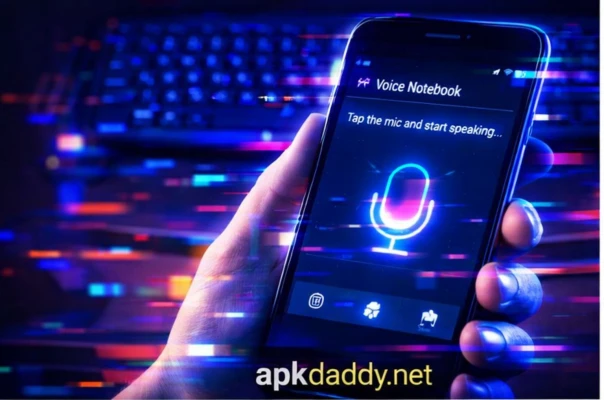
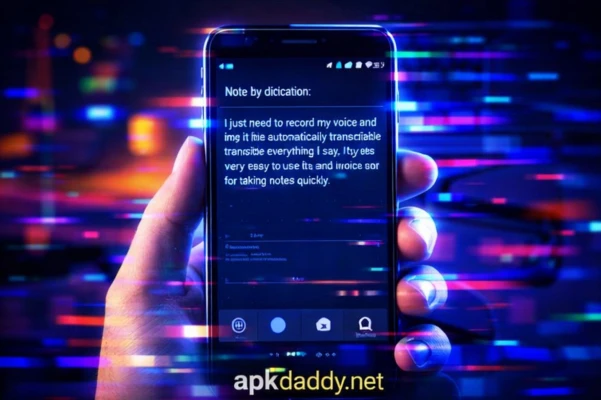
Voice Notebook APK is a smart voice-to-text application designed to convert your speech into accurate written notes in real time. Whether you're a student, professional, or content creator, this app helps you quickly capture ideas, lectures, meetings, or personal thoughts without typing.
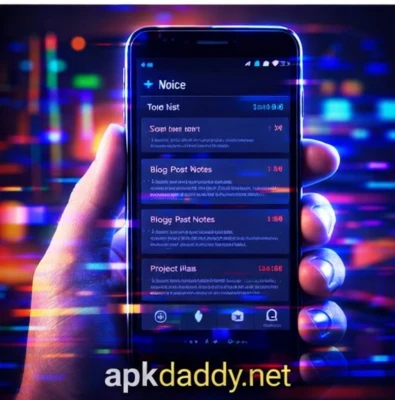
The app uses advanced speech recognition technology to provide fast and reliable transcription. It supports continuous voice input, making it ideal for long dictations and note-taking sessions. Voice Notebook APK also allows users to edit, save, and organize notes efficiently.
With support for multiple languages and offline capabilities (in some modes), it ensures convenience anytime, anywhere. You can easily share your notes via email, messaging apps, or cloud storage. Its clean interface and customizable settings make it user-friendly for beginners and advanced users alike.
Key Features
🎙️ Voice-to-Text Conversion – Instantly convert speech into text
📝 Continuous Dictation Mode – Ideal for long recordings and lectures
🌍 Multi-Language Support – Supports various global languages
💾 Save & Export Notes – Store and share notes easily
⚡ Fast & Accurate Recognition – High-quality transcription engine
📶 Offline Support (Limited) – Works without internet in some cases
🧩 Customizable Settings – Adjust text size, language, and input options
🔊 Audio Input Optimization – Works well with external microphones
How to Install
Download the Voice Notebook APK file from a trusted source
Open your device Settings > Security
Enable Unknown Sources
Locate the downloaded APK file
Tap on it and click Install
Wait for installation to complete
Open the app and start dictating
FAQs
1. What is Voice Notebook APK?
It is a voice typing app that converts spoken words into written text.
2. Does it work offline?
Some features may work offline, but full functionality usually requires internet.
3. Is it accurate?
Yes, accuracy depends on pronunciation, microphone quality, and background noise.
4. Can I edit my notes later?
Yes, you can edit, format, and save your notes anytime.
5. Is it free to use?
The basic version is free, but some features may require premium access.
Pros / Cons
✅ Pros
Saves time compared to typing
Easy to use interface
Supports long dictation
Good accuracy in clear environments
Multiple language options
❌ Cons
Needs internet for best performance
Accuracy may drop in noisy areas
Limited offline features
Premium features locked
Conclusion
Voice Notebook APK is a powerful and practical tool for anyone who prefers speaking over typing. With its accurate voice recognition, easy note management, and flexible features, it is perfect for students, professionals, and everyday users. If you want a faster way to take notes and boost productivity, this app is a great choice.